

If you have accepted that your business needs to move off Lotus Notes or HCL Domino, the next question is not "how do we do it" but "which route makes sense for us." This page is the decision hub for exactly that. It lays out your three realistic options, what each typically costs, how long each takes, and where each one tends to go wrong, so you can walk into a provider conversation already knowing what you are looking for and what questions to ask.
Where our complete migration guide explains the migration process itself in depth, this page is about choosing the right path before you commit a budget or a timeline. Get this decision right and the rest of the project becomes far more predictable. Get it wrong and you can end up paying twice, once for a route that does not fit and again to put it right. Once a route is chosen, our step-by-step Microsoft 365 migration guide covers the move itself.
First, understand what you are actually migrating
Before comparing routes, it helps to be clear about the scope, because it drives everything that follows. A Lotus Notes to Office 365 migration is rarely just email. Most Domino estates contain several distinct things:
- Mail, calendars, and contacts, the active day-to-day communication layer.
- Archives, often large, sometimes scattered across servers and individual laptops, and frequently subject to retention rules.
- Custom applications and workflows, the databases, forms, and approval processes built inside Domino over the years.
- Integrations, the connections and scripts that tie Domino to your other systems.
Email is usually the simplest element. Archives and custom applications are where the real effort, cost, and risk live. Any route you choose has to account for all four, and the biggest mistake businesses make is scoping the project as a mail move and then discovering the rest halfway through.
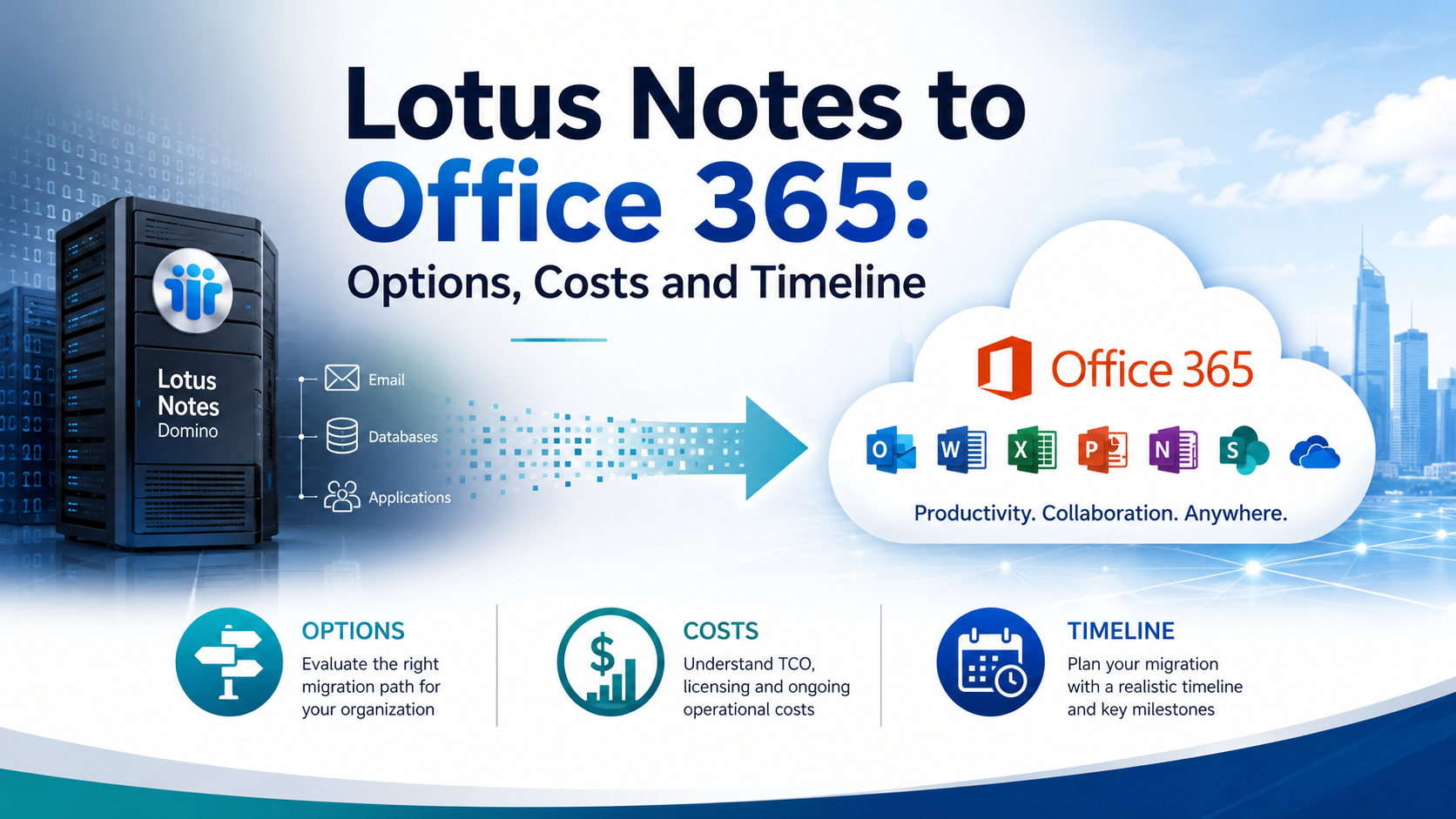
The three ways to migrate off Lotus Notes
There are three routes to a Lotus Notes to Office 365 migration. They differ less in the underlying technology and more in who carries the work and, crucially, who is left holding the new environment once the project ends.
Option 1: Do it yourself
Your internal team runs the migration using native or third-party tools. If you plan to export mail yourself, our guide to NSF to PST migration explains the main methods and what to validate.
- What it involves: your own staff handle discovery, tooling, testing, cutover, and support, learning as they go unless they have done it before.
- Best for: small, simple environments with genuine in-house IT capacity, few or no complex Domino applications, and a tolerance for the project taking longer around other duties.
- Cost profile: lowest direct spend, mostly software licensing, but real hidden cost in staff time and the risk of rework.
- Where it goes wrong: it looks cheapest on paper, but it puts heavy pressure on people who already have day jobs. Teams routinely underestimate archives, custom applications, and coexistence, and the project stalls when the one person who understands Domino gets pulled onto something more urgent. Mistakes made without migration experience can be expensive to unwind.
Option 2: Hire a migration specialist
You bring in a specialist to move the data, then they hand it back to you.
- What it involves: an external expert plans and executes the technical migration, then completes the engagement and leaves.
- Best for: businesses that want expert execution of the move itself and already have someone internal capable of running the environment afterwards.
- Cost profile: a defined project fee, usually predictable for the migration itself, with your own team absorbing everything after handover.
- Where it goes wrong: a pure migration specialist typically departs once the data has moved. You get your email into Microsoft 365, but the applications, the security hardening, the user support, and the day-to-day management are still your problem the morning after cutover. If your internal capacity was thin to begin with, you have solved the move but not the ongoing operation.
Option 3: Choose a managed migration
A managed IT partner handles the migration and then keeps running the environment. Our email migration services follow this model, from the first assessment to day-to-day management.
- What it involves: discovery, migration, user adoption, and ongoing management delivered as one continuous relationship rather than a one-off project.
- Best for: SMBs with limited internal IT that want both the move and a stable, supported platform afterwards, without recreating the key-person risk they are trying to escape.
- Cost profile: higher upfront and an ongoing monthly cost, but predictable and inclusive of day-two support.
- Where it goes wrong: rarely, but it costs more up front than DIY and it requires choosing a partner you trust to be there long term. The trade you are making is for predictability. You are buying an outcome and an operating model, not just a data transfer.
The honest summary is this. DIY can reduce upfront cost but shifts the load and the risk onto your own team. A specialist moves the data cleanly but may leave once the project ends. A managed migration gives you both the move and the support model needed to actually run the new environment well. Which is right depends on your internal capacity, your appetite for risk, and how much you value predictability over the lowest possible sticker price.
How to choose between them
A few practical questions usually make the decision clear:
- Do you have in-house IT with real spare capacity and migration experience? If not, DIY is riskier than it looks.
- Will someone competent own the environment the day after cutover? If the honest answer is no, a specialist who then leaves is only half a solution.
- How costly is downtime or a botched cutover for your business? The higher that cost, the more a managed or expert-led route pays for itself.
- Do you value a predictable monthly cost over the lowest upfront number? If yes, the managed model is designed for you.
- How complex are your applications and archives? The more there is beyond email, the more expertise matters.
Not sure which route fits? Contact Cortavo to scope your options, costs, and timeline.
What it costs: thinking in bands, not a single price
Nobody can quote a Lotus Notes migration accurately without knowing your environment, and you should be wary of anyone who tries before asking questions. What you can do is size it in bands. Cost scales with a consistent set of drivers:
- Number of users and mailboxes being moved.
- Volume of archives and how much history must be preserved for compliance.
- Number and complexity of custom NSF applications that need to be retired, replaced, or rebuilt.
- Training and change management required for your staff.
- Ongoing support you want in place after the move.
As a rough guide, projects tend to fall into one of three bands:
- Entry band. A small, mail-only move with few archives and no custom applications. Lowest cost, shortest timeline, and most suited to DIY or a light specialist engagement. The main spend is tooling and a modest amount of labor.
- Mid band. A full migration of mailboxes, calendars, contacts, and archives for a typical SMB, with a handful of applications to sort out and proper user adoption support. This is where most document-heavy firms land.
- Comprehensive band. An application-heavy environment where several business-critical Domino applications must be rebuilt, plus ongoing managed support afterwards. Highest cost and longest timeline, and the band where continuity risk is greatest if the work is done badly.
Across all three, custom applications and day-two support are almost always the largest and most variable parts of the budget, not the email itself. If a quote treats the whole project as a simple per-mailbox mail move, that is a warning sign that the applications and archives have not been properly considered. A scoped assessment turns these bands into a real number for your specific business.
How long it takes
Regardless of the route you choose, a sound migration follows the same practical sequence: assess, plan, pilot, cut over, drive adoption, and operate. Skipping or rushing any of these stages is where projects come unstuck. Our six-phase roadmap for a Lotus Notes migration covers this sequence in more detail.
- A basic, mail-only migration can be completed in a few weeks.
- A typical SMB migration runs roughly eight to twelve weeks end to end.
- An application-heavy environment with many custom databases can take several months, because rebuilding applications runs on a slower, parallel track to the mailbox move.
The four things that stretch a timeline most are the number of custom applications, the state of your data, your compliance and archive requirements, and how much change your staff can absorb at once. You can migrate to Microsoft 365 or Google Workspace, and the destination genuinely matters for how your team will work day to day. But the decision that shapes the long-term outcome, more than platform or route, is who manages the environment on day two.
Where to go next
This page is the starting point for the wider Lotus Notes and Domino cluster. Depending on where you are in your thinking, read on:
- Not sure the risk is real yet? HCL Domino End-of-Life: What It Really Means for Your Business
- Trying to build the financial case? Is HCL Domino Quietly Costing You Money?
- Ready for the full how-to? Lotus Notes to Microsoft 365: The Complete 2026 Migration Guide
- Weighing the destination platforms? Microsoft 365 vs Google Workspace for a Domino Migration
- Comparing tools and vendors? Best HCL Domino / Lotus Notes Migration Tools and Services
- Worried about the custom applications specifically? What to Do With Your Domino Applications When You Migrate
- Want it migrated and managed end to end? Email Migration Services
If you would rather talk it through than read further, contact Cortavo and we will help you pick the right route for your business, your budget, and your timeline.
Frequently Asked Questions
How much does it cost to migrate from Lotus Notes to Office 365?
There is no single price, because cost scales with the number of users and mailboxes, the volume of archives, how many custom applications need rebuilding, the amount of training required, and whether you want ongoing support afterwards. Email migration is the smallest part. Custom applications and day-two management are the larger, more variable costs. The most reliable way to get a real figure is a scoped assessment that maps your specific environment against these drivers, rather than a per-mailbox estimate that ignores everything sitting behind the inbox.
How long does a Lotus Notes to Microsoft 365 migration take?
A basic, mail-only move can take a few weeks. A typical SMB migration runs about eight to twelve weeks end to end, and application-heavy environments can take several months because applications are rebuilt on a parallel track. The main timeline drivers are the number of custom applications, data cleanliness, compliance requirements, and how much change your staff can absorb. Running a pilot early gives you a much more reliable estimate for the full project than any upfront guess.
Can you migrate Lotus Notes to Google Workspace instead of Microsoft 365?
Yes. Both Microsoft 365 and Google Workspace are valid destinations, and the same assessment, planning, and coexistence logic applies to either. The right choice depends on how your team works, which tools you already use, your security needs, and how your custom applications will be replaced. A partner who supports both platforms can recommend based on genuine fit rather than on whichever product they happen to sell, which is worth looking for when you choose who to work with.
What happens to custom Domino / Notes applications when we migrate?
Each application should be assessed and placed into one of three buckets. Retire it if it is no longer needed, replace it with a modern tool if a standard product now does the job, or rebuild it if it supports a critical process and cannot be replaced safely. This is usually the hardest and most underestimated part of the project, because the applications are more entangled than email and often have no clear owner. Scoping them early is what keeps the overall timeline and budget honest, and it is the work that lets you finally switch off the old servers.
Is Lotus Notes / HCL Domino still supported in 2026?
It depends on your exact version. Some newer releases remain supported while several older versions have already passed their support dates. Either way, "supported" is not the same as "safe to leave alone," because the pool of expertise keeps shrinking and unsupported software is harder to defend on security and insurance reviews. Confirming your version is a sensible first step in scoping a move and in understanding how urgent that move really is.
Do we need to move email and applications at the same time?
No, and usually you should not. Email typically moves first because it is the most straightforward and highest-impact part, while custom applications are handled on a parallel or later track since they take longer to retire, replace, or rebuild. What matters is that the applications are planned from the start, so they do not get forgotten and quietly keep your old Domino servers running after the mailboxes have moved. A good plan sequences the two so that neither holds the other up unnecessarily.
Which option is cheapest overall?
DIY has the lowest sticker price but the highest hidden cost and risk, especially if your team lacks migration experience or spare capacity. A specialist is predictable for the move itself but leaves you to cover everything afterwards. A managed migration costs more up front and adds a monthly fee, but it is the most predictable and usually the lowest total cost once you account for downtime risk, rework, and the ongoing management every environment needs. The cheapest option on day one is not always the cheapest by the end of the year.